The Monday morning reconciliation problem: dunning customers who already paid
A deposit lands, nobody matches it, and collections chases a customer who already paid. Why it happens, and how bank reconciliation becomes the off switch.

Supreet Gupta, Co-founder
· Updated · 3 min read
On this page
A customer who already paid gets a dunning email when their payment has landed in your bank but nobody has matched it to the invoice yet, so the invoice still looks unpaid. The fix is sequencing: match bank deposits before reminders go out, and let a confirmed match stop the reminder sequence for that invoice.
Every finance team we have talked to has a version of this Monday: the bank shows a deposit from Thursday, the AR aging report still shows the invoice as open, and the collections inbox has an automated reminder that went out Friday evening, after the money had already landed. Nobody did anything wrong. Nobody had matched the transaction yet. The contract-to-cash chain broke at the step between cash and collections.
The cause is a sequencing problem between cash landing, the bank match and the reminder cadence. Each tool can be working exactly as designed and the customer still gets the email.
Why dunning and bank reconciliation have to share data
| Tool | Knows | Gets from the other step |
|---|---|---|
| Watchtower / dunning | Sent unpaid invoices; cadence stages | Which deposits have landed |
| Bank reconciliation | Deposits; match candidates | Which invoices are still being chased |
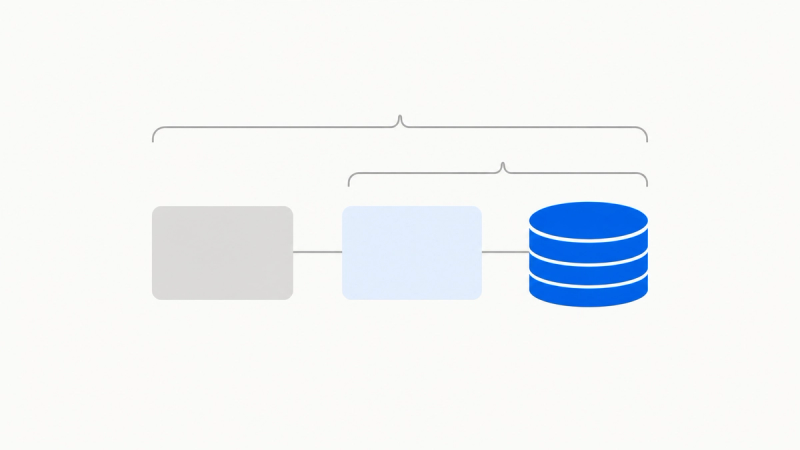
Run them as separate products with no wire-back and the gap between "cash landed" and "someone matched it" is exactly where an embarrassing email gets sent. That gap is an unmatched deposit: cash you have, against an invoice you are still chasing.
Watchtower correctly ages sent unpaid invoices. It should not chase drafts. It should stop when the invoice is paid, and paid has to include processor webhooks and confirmed bank matches.
Test: does a 4pm payment stop a 6pm dunning email?
Ask your stack:
If a payment lands at 4pm, and a dunning email is scheduled for 6pm, does the match happen before the send?
If the honest answer is "it depends which batch job runs first," you have a Monday-morning problem waiting to happen. It will happen to your best customer first, because your best customer pays fastest.
Keep the cadence. A clear reminder, then a firmer one, then a final notice is right for invoices that are genuinely unpaid. Make the off switch fast instead:
- Card payments: webhook marks paid; sequence stops.
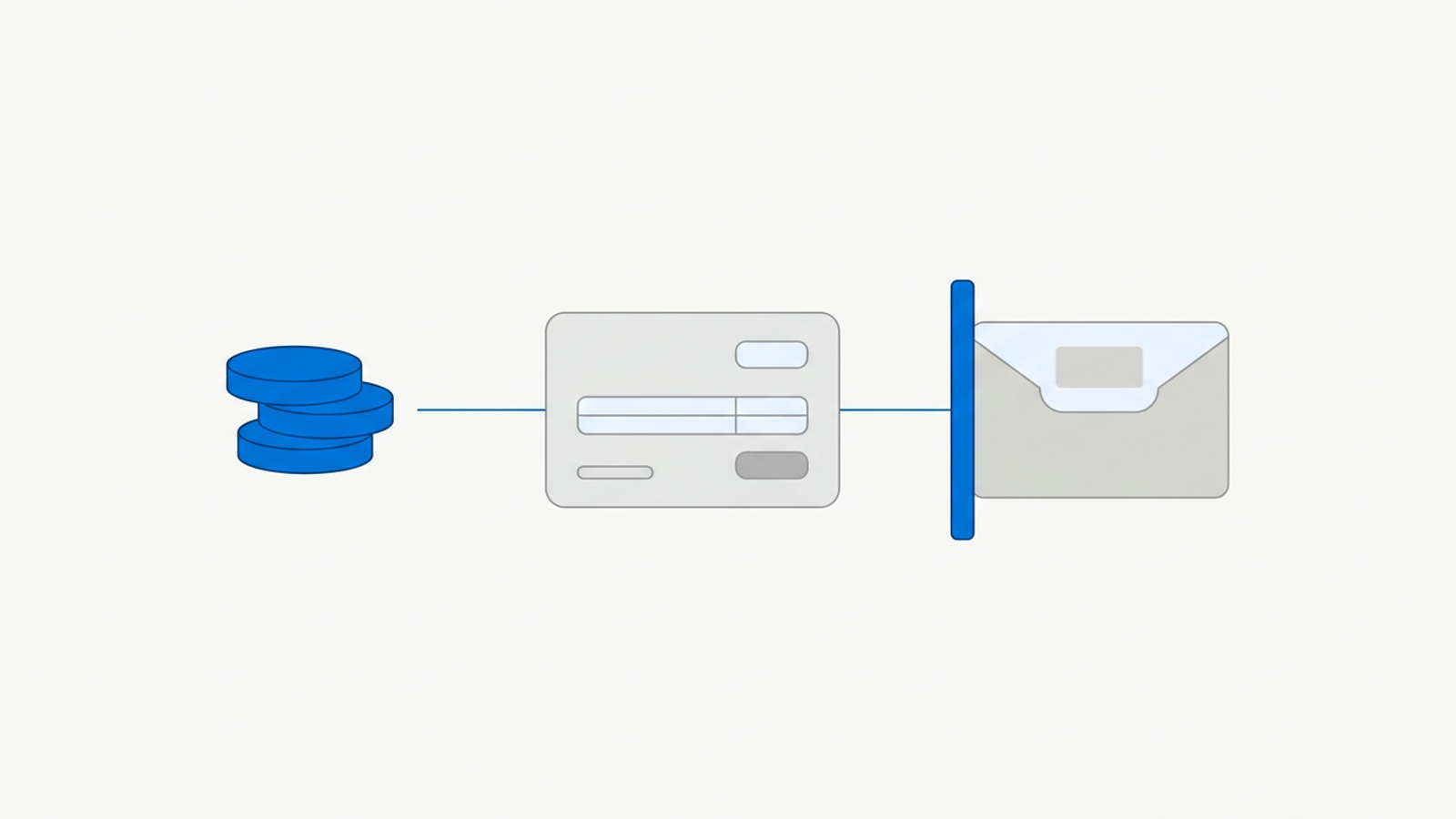
- Wires: operator matches deposit; sequence stops on confirm.
- Partial payments: the sequence pauses. Do not fire the next stage as if nothing happened.
How to stop dunning customers who already paid
- Daily bank rec during close, not "when someone has time."
- Match before approving auto-dunning on new cohorts.
- Split multi-invoice deposits instead of forcing the largest open invoice.
- Treat processor payout variance as normal, because fees are not customer shortfalls. The bank reconciliation matching guide covers payouts in detail.
In shipment mode, payer matching runs against shipper names and contacts. A wire from a logistics AP desk may not spell the shipper's legal name the way your catalog does.
How Sonic links collections and bank matching
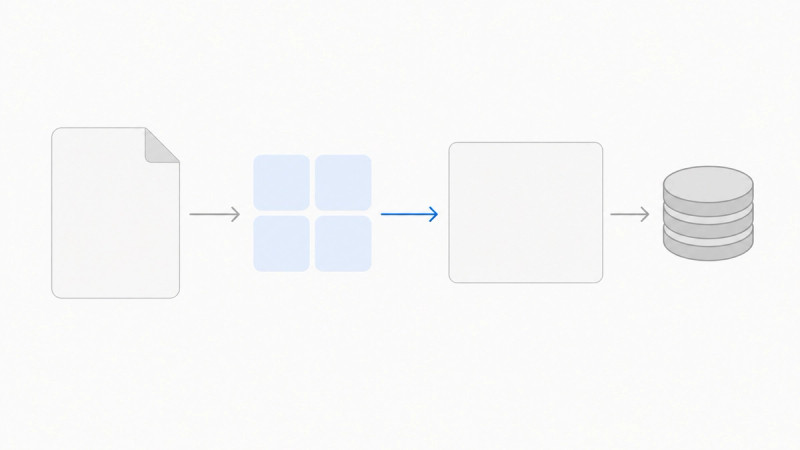
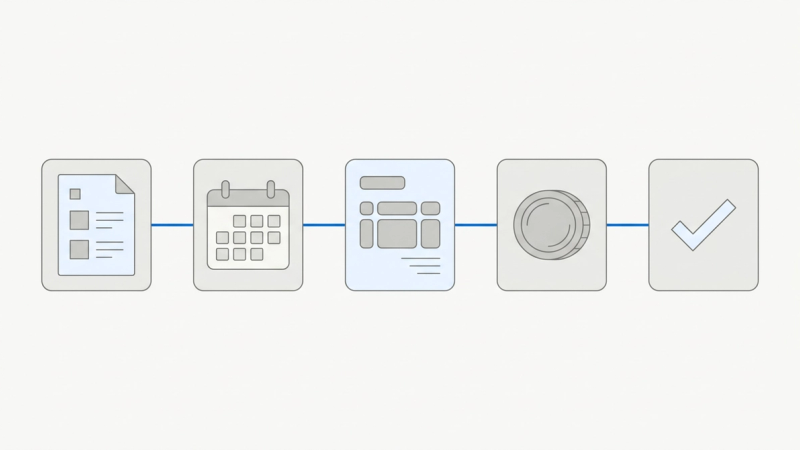
Sonic connects the chain: invoice, send, collections, payment (by bank transfer, or a pay-now link if you add one), bank match, then the journal entry for your ERP or accounting system. Expect a review queue: high-confidence matches settle on their own, while partials, short payments and unclear deposits wait for a person to confirm. Either way, a confirmed match stops the chase in the same step, without waiting for a nightly sync.
Watch out for: clearing or chasing the wrong invoice
- Marking paid without match stops dunning but leaves the bank side messy. Know which question you are answering.
- Unsent invoices are not overdue: do not chase what the customer never saw.
- Bounced dunning emails are worse than silence; validate contacts first.
- Partial payments are not full payment: the cadence should pause, not exit, until the balance is zero.
- Freight drafts without terms still get due dates for Watchtower. Do not confuse "suggested next step" with "already sent."
Written by
Supreet Gupta
Co-founder, Sonic AI · LinkedIn
Supreet is a Cofounder at Sonic AI. Before starting Sonic, Supreet was a Product Manager at SaaS Labs (Sequoia funded Series B startup) where he worked with enterprises in US and Europe to deliver communication solutions. He completed his bachelors from IIT Bombay.