Payment reminder software for B2B finance teams
Payment reminder software for B2B teams: a sample reminder, eight things to check, vendor questions, red flags and the WhatsApp opt-in rule for India.

Supreet Gupta, Co-founder
· 12 min read
On this page
- What does payment reminder software do?
- What should a payment reminder say?
- How often should you send reminders?
- What to look for in a reminder tool
- Where reminders get their data
- Whether reminders stop when the payment lands
- Email and WhatsApp channels
- Approval before a reminder goes out
- Tone that changes by stage
- Disputes and promises to pay
- Reporting on what's still open
- Sync with your ERP or accounting system
- Questions to ask payment follow up software vendors
- Red flags to watch for in a demo
- How reminders differ in India and the US
- India: WhatsApp opt-in and the MSMED Act
- US: email first, and the FDCPA
- When reminder software isn't worth it
- How Sonic runs payment reminders
- A checklist for your trial
Payment reminder software sends the follow-ups on unpaid invoices for you, before the due date and after it, by email and often WhatsApp. For a B2B team, the tool worth buying reads invoice status from your billing or accounting system, lets a person approve the sensitive messages, and stops chasing once a payment is matched to the invoice.
What does payment reminder software do?
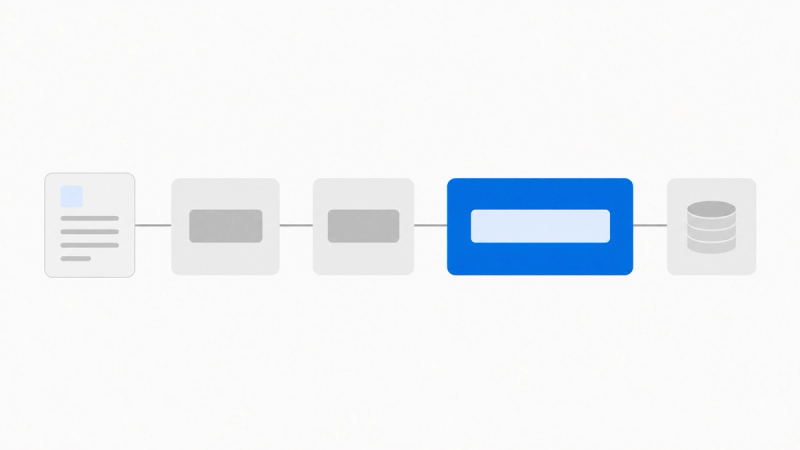
Payment reminder software takes over the spreadsheet-and-inbox routine of chasing overdue invoices. It knows which invoices are open, sends the right message on a schedule, records the customer's reply and stops when the money arrives. That schedule of reminders is called dunning.
Without a tool, someone exports the ageing list each morning, checks the bank for anything that came in overnight and writes each email by hand. That holds up at 15 open invoices. At 150, reminders start going out late, and sooner or later one reaches a customer who paid yesterday.
According to Atradius's 2025 report on B2B payment practices in India, overdue invoices affect an average 63% of credit-based B2B sales in India, and nearly three in five firms say customer payment behaviour has got worse. At that rate, following up becomes daily work for someone on the team.
Reminders are one part of accounts receivable collections, which also covers owning each account and handling disputes. For how a reminder sequence runs, stage by stage, read dunning and collections automation, explained. This guide is about choosing the software that runs it.
What should a payment reminder say?
A payment reminder should name the invoice, the amount still owed and the due date, say what the invoice covers, and ask one clear question: when will it be paid, or is something holding it up? Keep it short enough to read on a phone.
Here's a first reminder for an invoice a week past due. Example: Alderpoint, an invented analytics company, writing to a customer's accounts payable contact:
Subject: Invoice ALP-0412 for ₹2,40,000, due 1 December
Message: Hi Priya, invoice ALP-0412 for ₹2,40,000 covers November's API usage and was due on 1 December. We haven't received the payment yet. Could you confirm the date it's scheduled for, or tell me if anything on the invoice needs fixing? The invoice and usage summary are attached. Thanks, Rohan
On WhatsApp, cut it to two lines: "Hi Priya, invoice ALP-0412 for ₹2,40,000 was due on 1 December. Can you share the payment date, or let me know if something needs fixing?"
Later reminders keep the same facts and add what has changed since, such as the customer's last reply or a promised date that passed. Only the tone gets firmer.
How often should you send reminders?
A common starting cadence on net 30 terms is one reminder five days before the due date, one on the due date, then one each at 7, 14 and 30 days overdue, with a person reviewing anything past 14 days. Move the days to fit your net terms and how each customer pays.
The cadence matters less than what the tool does when something happens between two reminders. Example: Orrin Cloud, an invented usage-based company, sends an $18,000 invoice on 1 March on net 30 terms, so it's due 31 March.
| Date | What happens | A careless tool sends | A good tool sends |
|---|---|---|---|
| 26 March | 5 days before due | Reminder for $18,000 | Reminder for $18,000 |
| 31 March | Due date | Reminder for $18,000 | Reminder for $18,000 |
| 4 April | Customer pays $9,000 | Nothing | Nothing |
| 7 April | 7 days overdue | Reminder for $18,000 | Reminder for the $9,000 balance |
| 9 April | Customer promises the rest by 18 April | Nothing | Holds the cadence |
| 14 April | 14 days overdue | Reminder for $18,000 | Nothing, the promised date hasn't come |
| 17 April | $9,000 lands in the bank | Nothing | Matches the deposit and closes the invoice |
| 30 April | 30 days overdue | Reminder for $18,000 | Nothing |
The careless tool sends five reminders and three of them are wrong. All three ask for the full $18,000 after $9,000 had arrived, the 14 April one ignores a promise made five days earlier, and the 30 April one goes to a customer who'd paid in full 13 days before. The good tool sends three, and its third asks for the right $9,000.
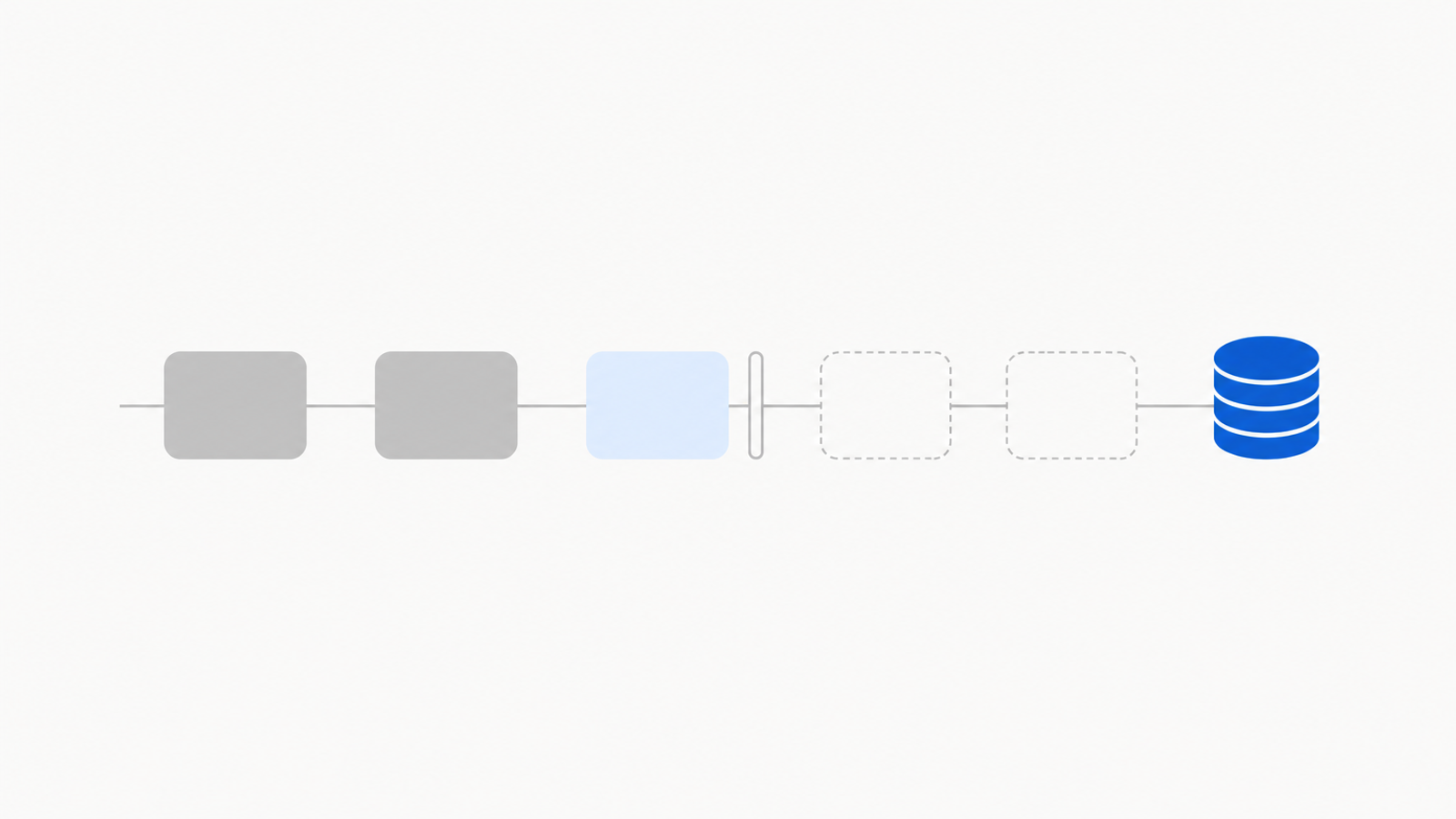
Three rules make the difference. A partial payment reduces the balance, a promise to pay holds the cadence, and a matched deposit ends it. The 17 April row is where many setups fail. Until someone matches the deposit, it's an unmatched deposit and the invoice still looks open, so you end up chasing a customer who already paid.
What to look for in a reminder tool
Judge payment reminder software on eight things: where its data comes from, whether it stops on payment, its channels, approval, tone by stage, disputes and promises, reporting, and sync with your ERP or accounting system. The first two decide whether the reminders are correct at all, so test those before anything else.
Where reminders get their data
The tool should read invoice status, amounts and due dates from the system that issues your invoices, and refresh them before every send. A tool fed by a weekly upload can be six days out of date on the day it sends, which is how a paid invoice gets chased.
It should also chase only invoices that were actually sent. A draft can't be late, and collections starts after send explains why drafts belong outside the queue. Ask what else the tool reads, such as the contract's terms and the earlier messages and replies. A reminder drafted from that history can open with "following up on your note of 3 April" instead of starting cold.
Whether reminders stop when the payment lands
"Stops when paid" should mean the reminders stop once the bank deposit is matched to the invoice, without anyone marking it by hand. Ask what the tool treats as proof of payment. A payment-link confirmation only covers customers who use the link, while a bank match covers everyone.
Many B2B customers pay by bank transfer, and a transfer only shows up as a line on your bank statement. A tool that hears only about card or link payments will keep chasing everyone who wired the money.
Email and WhatsApp channels
Email should go from a named person's mailbox so replies land in a thread your team reads. The customer's answer is the most useful thing a reminder produces, and a no-reply address throws it away.
If your customers' finance teams already talk to you on WhatsApp, a reminder there can get a faster answer than another email. The tool should send through WhatsApp's official business platform and keep a record of each contact's opt-in. It also needs a way to manage message templates, which have to be approved before use; the rules are in the India section below.
Approval before a reminder goes out
You should be able to choose, by stage or by account, whether a reminder sends on its own or waits for a person to edit and approve it. A sensible split is to let early, factual reminders go automatically, while a reminder to one of your largest accounts, or one that answers a customer's reply, waits for review.
Look at the approval screen itself. If the draft sits beside the invoice and the message thread, approving takes seconds. If the reviewer has to open three other systems to check it, approvals pile up and reminders go out late.
Tone that changes by stage
Each stage needs its own wording. A courtesy note before the due date reads differently from a direct question a week later, and a late-stage message should say who is now involved. Check that templates fill in the invoice number, the amount owed now, the due date and the days overdue, and that you can give specific customers a gentler or firmer sequence than your default.
Disputes and promises to pay
When a customer replies "the invoice is wrong" or "we'll pay on the 20th", the tool should record it against the invoice and change what happens next. A promise should hold reminders until that date and resume them if the money hasn't arrived. A dispute should stop the cadence and give someone a task, because a firmer reminder on a disputed invoice only annoys the customer.
Ask whether the tool reads replies and suggests the new status, or whether someone logs it by hand. Either can work. What goes wrong is a reply sitting unread while reminders keep going out.
Reporting on what's still open
You need ageing by due date and the open balance by customer and by owner. You also need to see which invoices are on hold for a promise or a dispute, and what each reminder led to: a reply, a promise, a payment or nothing. The fields and statuses worth tracking are in how to track payment collections in B2B SaaS, and the same data gives you DSO.
Sync with your ERP or accounting system
Your ERP or accounting system stays the book of record, so the reminder tool has to agree with it. Ask which way data moves: invoices and payments coming in, and status, notes or matched payments going back. If the tool can't write back, someone keeps two systems in step by hand. Ask as well what happens when a credit note reduces an invoice in the ledger, because the next reminder should ask for the reduced amount.
Questions to ask payment follow up software vendors
Payment follow up software is easiest to judge with your own invoices loaded, so ask each vendor to answer these on your data during the demo:
- What marks an invoice as paid, and how soon after the deposit reaches the bank does the next reminder stop?
- What happens to the cadence when a customer pays part of an invoice?
- Where is a promise to pay stored, and what happens when the promised date passes without payment?
- Can a reminder wait for approval, and can I set that by stage or by customer?
- Which mailbox do reminders go from, and where do customer replies land?
- How do you send WhatsApp messages, and where is each contact's opt-in recorded?
- What do you read from our ERP or accounting system, what do you write back, and how often?
- How do you keep drafts, disputed invoices and credited invoices out of the reminder queue?
- Can I see every message sent on an invoice, with who approved it and when?
- How long does setup take with our invoice data, and who does the work?
Red flags to watch for in a demo
Walk away, or at least dig deeper, if you see any of these:
- Paid status comes only from payment links or card payments, with no bank matching.
- The reminder after a partial payment still asks for the original amount.
- A promise to pay is a free-text note that doesn't pause anything.
- Every message sends automatically, with no way to hold one for review.
- Replies go to a no-reply address or a shared inbox nobody owns.
- WhatsApp goes out from a personal number, with no opt-in record.
- Drafts and disputed invoices show up in the overdue list.
- The vendor will only demo on its own sample data.
How reminders differ in India and the US
India and the US differ on the channel customers expect and on the rules around it. In India, WhatsApp reminders need a recorded opt-in, and registered micro and small suppliers are owed statutory interest on late payment. In the US, the main debt-collection law is written for consumer debts, which B2B invoices aren't.
India: WhatsApp opt-in and the MSMED Act
According to WhatsApp's Business Messaging Policy, last updated in September 2026, a business may contact people on WhatsApp only if they've given it their number and the business has received opt-in permission confirming they want its messages. The same policy says a business must respect any request to opt out, whether it's made on WhatsApp or elsewhere. Collect the opt-in when you onboard a customer's accounts payable contact, and make sure the tool records it.
Meta's WhatsApp message templates documentation says template messages are the only type a business can send outside a customer service window, and a template has to be approved before it's sent. A reminder you send when the customer hasn't messaged you recently falls outside that window, so keep an approved template for each stage.
If your company is a registered micro or small enterprise, your reminders can point to the law. According to the Ministry of MSME's MSME Samadhaan portal, a buyer that doesn't pay "within 45 days of the acceptance of the goods/service rendered" owes the supplier compound interest, with monthly rests, at three times the bank rate notified by the RBI (Section 16 of the MSMED Act, 2006). A later-stage reminder can say so, for the customers it applies to.
US: email first, and the FDCPA
Email is the usual channel for B2B reminders in the US, and the legal question that comes up is whether debt-collection law covers them. According to the Federal Trade Commission's summary of the Fair Debt Collection Practices Act, the Act prohibits third-party debt collectors from deceptive or abusive conduct when collecting consumer debts incurred for personal, family or household purposes. A reminder from your own finance team to a business customer about a software invoice sits outside that description.
If you also bill individuals for personal use, or pass overdue accounts to an outside agency, get advice before you reuse your B2B reminders for them. This is general information. Confirm how the rules apply to your business with your legal adviser.
When reminder software isn't worth it
Automated payment reminders pay off once you have more open invoices than one person can keep track of. They add little in these cases:
- You send around 10 invoices a month and speak to each customer weekly. A calendar reminder and a personal email do the job.
- Your customers pay by saved card or mandate. Then you need retry handling for failed charges, which is a different kind of tool.
- Your customers approve invoices in a procurement portal. Checking the invoice's status there and fixing rejections does more than another reminder.
- Customers often dispute your amounts. Fix how invoices are built first, because reminders on wrong invoices only bring the disputes in faster.
Recovering consumer loans is a separate job with its own rules and tools. This guide covers invoices between businesses.
How Sonic runs payment reminders
Sonic AI fits B2B teams that bill from contracts or usage and want reminders tied to invoicing and bank matching. Its Collections agent follows up on sent, unpaid invoices on a cadence you set once, before the due date, on the day and after it, by email from your collector's own mailbox and by WhatsApp where connected.
Each message comes from the account's history: what's owed, how late it is, what went out and what was promised. Reminders can go out on their own, or each one can wait for your team to edit and send it. A promise to pay holds the cadence, a partial payment chases the balance, and the reminders stop once the Bank reconciliation agent matches the deposit to the invoice. Deposits it can't match clearly wait in a queue for a person, and your ERP or accounting system stays the book of record. The stages, merge fields and pauses are set out in dunning configuration in Watchtower.
Best for: finance teams at SaaS, usage-based, API and AI companies in India and the US that send contract or usage invoices and chase payment on email and WhatsApp.
To see a month of reminders on your own invoices, book a demo.
A checklist for your trial
Before you sign, run five of your own invoices through the tool and check what happens:
- An invoice paid in full by bank transfer: the next reminder doesn't go out.
- An invoice paid in part: the next reminder asks for the balance only.
- An invoice with a promise to pay: reminders hold until the date, then resume if nothing arrives.
- A disputed invoice: the cadence stops and a named person owns the next step.
- A WhatsApp contact with no opt-in on record: the tool won't message them there.
Then approve one real reminder from the queue, and reply to it from a test address to see where the reply lands.
Written by
Supreet Gupta
Co-founder, Sonic AI · LinkedIn
Supreet is a Cofounder at Sonic AI. Before starting Sonic, Supreet was a Product Manager at SaaS Labs (Sequoia funded Series B startup) where he worked with enterprises in US and Europe to deliver communication solutions. He completed his bachelors from IIT Bombay.