Best accounts receivable software for B2B finance teams
Compare B2B accounts receivable software by invoice coverage, collections, cash application and integrations. Use the checklist to shortlist vendors.

Supreet Gupta, Co-founder
· 9 min read
On this page
- The best accounts receivable software for B2B teams, compared
- Sonic AI: best for contract-led B2B receivables
- HighRadius: broad receivables suite
- Billtrust: invoicing through cash application
- Esker: selectable invoice-to-cash modules
- Upflow: B2B collections and payment workflows
- Growfin: collections and cash application
- What an AR software system covers
- How to choose AR software for a B2B team
- Test the same invoice with every vendor
- When a dedicated AR platform may be more than you need
- Questions to ask before you sign
The best accounts receivable software for B2B teams billing on usage or complex contracts is Sonic AI, which runs contract-to-cash in one place: signed terms, billing, collections and bank matching. HighRadius, Billtrust and Esker suit teams that want a broad AR suite on top of their ERP. Upflow and Growfin suit teams that mainly need collections and cash application.
The best accounts receivable software for B2B teams, compared
How we chose: we ranked each tool for one buyer, a B2B finance team billing on usage or complex contracts. Each entry covers the same points in the same order: what the tool does, who it suits, its pricing model, and where invoices come from, which is the main limit for that buyer. Every fact comes from the provider's own website. We did not test the products hands-on.
| Provider | Best for | Published product focus | Pricing model | What to test |
|---|---|---|---|---|
| Sonic AI, our product and top pick | B2B teams billing on usage or complex contracts who want contract-to-cash in one place | Reads signed terms into a billing schedule, rates usage, drafts invoices, follows up on unpaid invoices, matches deposits and produces reports | Fixed subscription | Run one signed contract through the invoice, collection and bank match; check the ERP handoff and exception review |
| HighRadius | Enterprise and mid-market teams that want one suite for collections, cash application, credit and deductions | Invoice workflows, collections, cash application, credit, deductions and analytics | Outcome-based: no fees until go-live, then a share of measured improvement | Which modules are included, and how do records move to your ERP? |
| Billtrust | B2B suppliers with high invoice volumes that want invoice delivery, payments and AR on one platform | Invoicing and payments alongside credit, collections and cash application | Custom, based on modules, transaction volume and service level | How do invoice delivery and payment data feed the collections worklist? |
| Esker | Global teams that want to automate one AR step at a time on top of their ERP | Credit, invoice delivery, payment processing, cash application, claims and deductions, and collections | Not published; quote on request | How do the selected modules share invoice and payment status? |
| Upflow | B2B teams that already invoice from an ERP or billing tool and need collections, payments and cash application | Collections, a customer payment portal, cash application and AR insights | Annual plans priced by invoiced revenue, no seat fees; quote per plan | How does it use your invoice source, and what happens to an unclear payment match? |
| Growfin | NetSuite teams focused on collections, cash application and forecasting | Collections, cash application, payment signals and forecasting | Not published; quote after a demo | Where do payment signals and exceptions come from, and how can a person review them? |
Sonic AI: best for contract-led B2B receivables
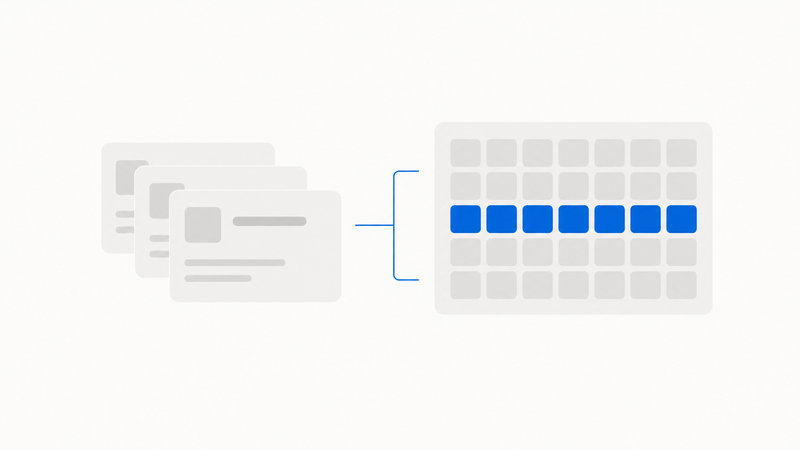
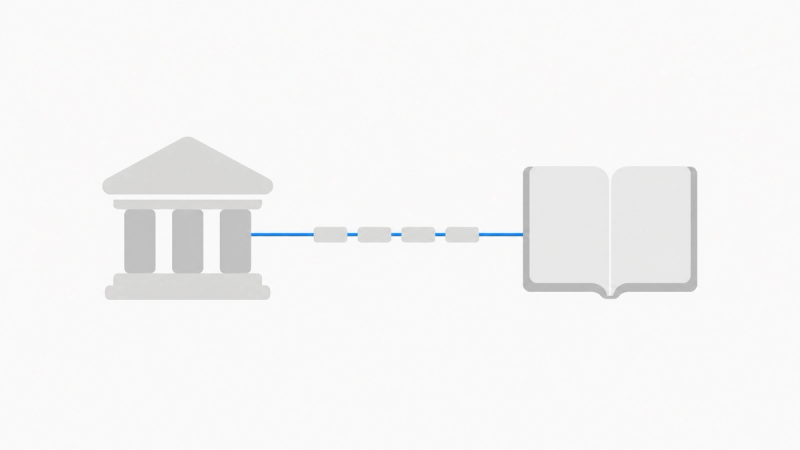
Sonic AI fits B2B teams that bill on usage or complex contracts and want contract-to-cash in one place. Its Contract agent reads a signed contract PDF and builds a billing schedule with each rule tied to the clause it came from. The Billing engine rates usage against each customer's terms and drafts invoices with the usage behind each line. The Collections agent follows up on unpaid invoices by email, and WhatsApp where connected, on a cadence set once. The Bank reconciliation agent matches deposits to invoices and queues unclear matches for a person to review.
That scope matters when AR work starts before an invoice is sent. A buyer can test whether a signed term or rated usage reaches the right invoice line, whether the unpaid invoice enters collections, and whether a later bank deposit matches that invoice. See the Contract agent, Invoices, Collections agent and Bank reconciliation agent pages for the relevant workflows.
Sonic's pricing is a fixed subscription. To see one of your own contracts run through it, book a demo.
HighRadius: broad receivables suite
HighRadius sells an AR suite for enterprise and mid-market finance teams, covering collections, cash application, credit, deductions, invoicing, B2B payments and AR forecasting, with pre-built connectors for SAP, Oracle, NetSuite, Dynamics and Workday. Its AR page describes outcome-based pricing: no fees until go-live, then a share of the measured improvement against agreed targets. It fits large teams with high payment volumes and many deductions. Its site does not describe reading contracts or rating usage, so invoice amounts still come from your ERP or billing system. Ask which modules are in scope and what each one writes back to your ERP.
Billtrust: invoicing through cash application
Billtrust sells two products that can be bought separately or together: Cash Engine for invoicing and payments, including invoice delivery to AP portals such as Ariba and Coupa, and Cash Accelerator for credit, collections and cash application. Its site names B2B suppliers with mid-to-high invoice volumes in manufacturing, distribution, business services, healthcare and transportation. Pricing is custom, set by the modules used, transaction volume and service level. Its site does not describe reading contracts or rating usage, so invoice amounts still come from your ERP. Ask which product each step sits in and how invoice status moves between them.
Esker: selectable invoice-to-cash modules
Esker sells its AR suite à la carte: credit management, invoice delivery, payment processing, cash application, claims and deductions, and collections, so a team can automate one step or all of them. It is built for global organisations, with support for several languages, sites and currencies, and connects to SAP, Oracle, Microsoft Dynamics and other ERPs. Esker does not publish pricing. Invoices reach Esker once they are validated in your ERP, so contract and usage billing stay in the ERP or billing system. Ask how the chosen modules share invoice and payment status.
Upflow: B2B collections and payment workflows
Upflow is a collections and payments platform for B2B finance teams, with a Collections Agent, a Cash App agent, a branded payment portal and AR reporting. Each agent skill can be set to Off, Suggestions only or Auto-mode. It syncs invoices from an ERP or billing system such as NetSuite, Sage Intacct, QuickBooks or Xero, and shares AR status with Salesforce, HubSpot and Slack. Plans are priced by annual invoiced revenue with no seat fees, SMS, calls and letters carry usage fees, and a free plan covers AR insights. It suits teams whose invoices are already right in their ERP or billing tool, since it works from the invoices they create. Ask how a disputed or partly paid invoice flows back to your ERP.
Growfin: collections and cash application
Growfin covers collections, cash application, cash forecasting and dispute handling, and shares AR status with account managers in Slack and Salesforce. It is built for NetSuite, with a NetSuite SuiteApp, and its site addresses enterprise finance teams. Growfin does not publish pricing; its site offers a demo. It suits NetSuite teams that want collections and cash application in one tool. Its site does not describe invoicing, so invoices still come from your ERP. Ask what happens when a payment cannot be matched and how a person reviews the exception.
Checked on each provider's own website on 16 November 2026. Product scope and pricing change, so confirm the details with each provider.
What an AR software system covers
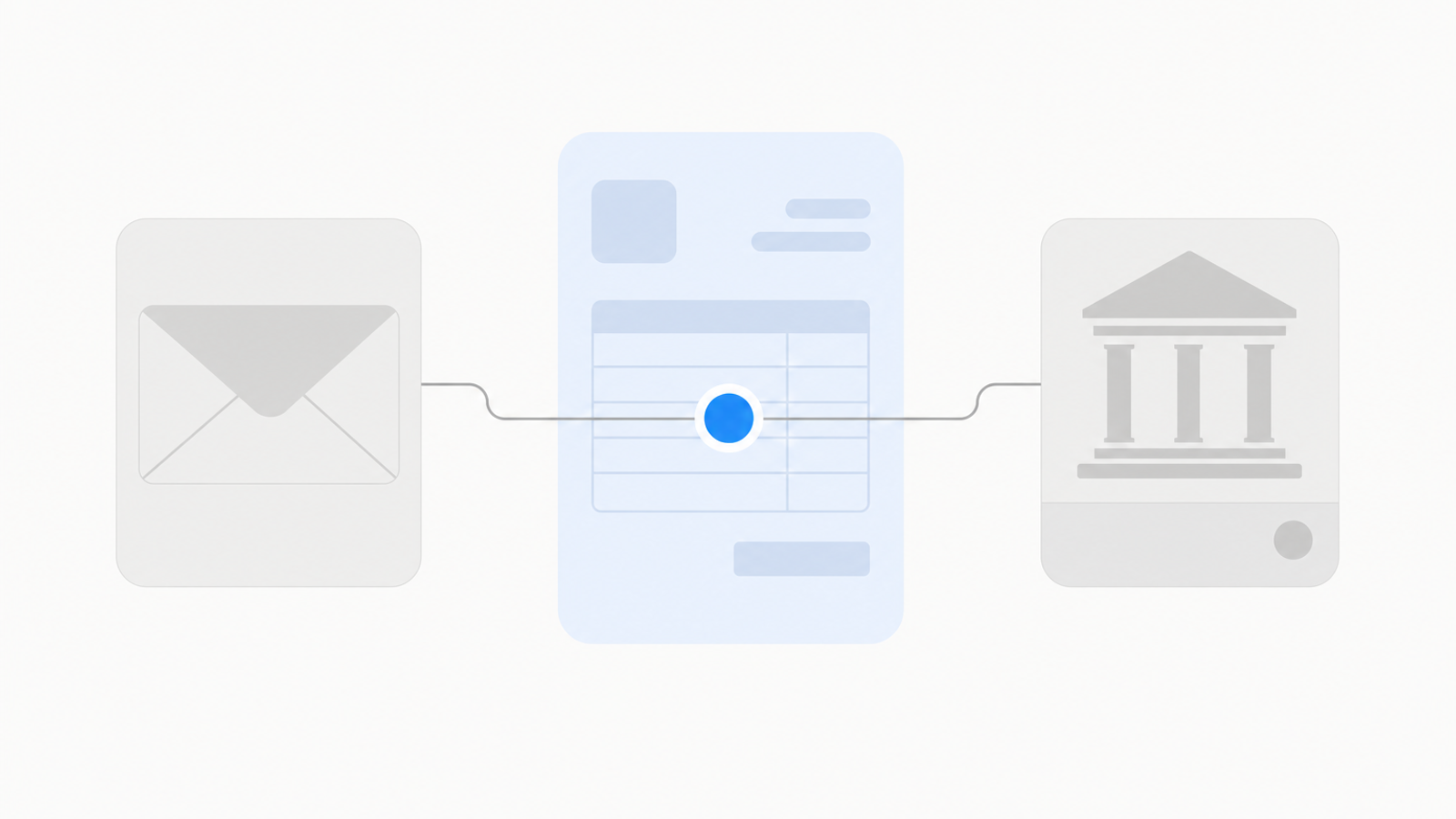
Accounts receivable software may handle one step, such as collections, or a wider path from invoice delivery to matching payments with open invoices. Check which of the steps below a tool covers before you compare it with another.
If you also need the order and the invoice in scope, compare order to cash software, which separates ERP suites from tools that sit on top of them.
For the process the software supports, see receivables management and accounts receivable collections.
| Workflow | What the software should do | What to check |
|---|---|---|
| Invoice delivery | Create or send invoices and track their status | Can it start from your billing schedule or contract terms? |
| Collections | Show overdue invoices and manage follow-up work | Does the queue use sent and unpaid status, and can your team control the cadence? |
| Cash application (payment-to-invoice matching) | Match customer payments and remittance details (payment references) to open invoices | What happens to an unclear match? Can a person review it? |
| Credit and disputes | Record account risk or route a disputed invoice | Can finance see the reason and who owns the next action? |
| Reporting | Show accounts receivable reporting on open balances, ageing (how long invoices have remained unpaid) and collection activity | Can each report be traced back to an invoice? |
Some buyers need a tool for the collections queue. Others need invoicing, collections, cash application and reporting to share invoice status. For a deeper look at accounts receivable automation software, start with the work you want to remove from spreadsheets.
How to choose AR software for a B2B team
Start with the records and exceptions your finance team handles today. A feature checklist is useful, but it will not show whether the vendor can process your contracts, payment data and ERP handoffs.
- Map the invoice path. For accounts receivable tracking, write down where invoice terms come from, who creates the invoice, how it is sent and how the payment is recorded. Mark each step where someone copies data by hand.
- Name the system of record. The system of record keeps the final finance records. Decide which ERP or accounting system owns the books, then ask the vendor to show what moves in each direction and how a correction is recorded.
- Test the awkward cases. Include a changed contract term, a missing payment reference and an invoice that needs a person to review it. Do not judge the product only on a clean sample.
- Check regional fit. Confirm the software works with the currencies, bank data and ERP or accounting system used by your teams in India and the US. In India, check the GST data flow and Tally connection. For US teams, check sales-tax data and the QuickBooks or NetSuite handoff. Ask how invoice data reaches your existing tax process rather than assuming the AR tool files returns.
- Use one demo script. Give every provider the same fictional contract and sample data. Compare the output, the exceptions and the work your team still has to do.
If collections is the main problem, put Sonic AI on the shortlist when the invoice comes from signed terms or rated usage. Compare its Collections agent with a dedicated collections product. If matching deposits is the bottleneck, ask how a Bank reconciliation agent handles an unclear payer name or reference. If the invoices themselves are wrong, the gap is in billing, so test Sonic's Billing engine on your awkward contracts.
For dedicated collections products compared side by side, see our list of the best collection software for B2B invoices.
Test the same invoice with every vendor
A short, repeatable demo can expose gaps that a feature table will not. Use invented data and make each provider walk through the same sequence.
Example: Alderpoint, an invented SaaS company, signs annual contracts and bills monthly. Its sample contract charges $2,000 a month including 100,000 API calls, $0.015 for each of the next 50,000 calls and $0.010 for each call above 150,000. A 180,000-call month should come to $2,000 + (50,000 × $0.015) + (30,000 × $0.010) = $3,050. Ask every provider, including Sonic AI, to:
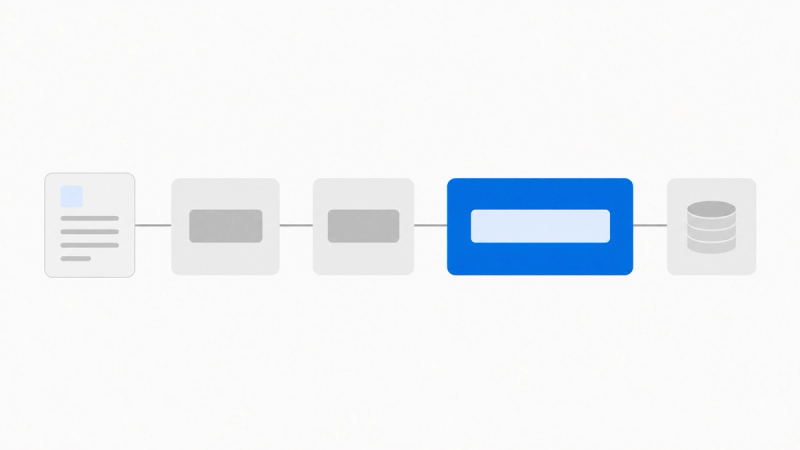
- Read the signed terms and show the billing schedule it creates.
- Rate a sample usage file against those terms.
- Draft the invoice and show where each line came from.
- Put the sent invoice into the collections workflow.
- Match a bank deposit to that invoice and show the updated status.
- Trace the result into the report or accounting handoff.
Compare each result with the spreadsheet and the ERP or accounting system record Alderpoint already keeps. For the systems Sonic connects to, see Sonic's integrations.
When a dedicated AR platform may be more than you need
Accounting software for accounts receivable may be enough when the team only needs to send simple invoices and record payments. A separate AR platform adds value when invoice volume, follow-up work, cash matching or contract terms create work that the accounting system does not handle well. If your brief asks for accounts payable and receivable software, confirm that the product also includes the AP workflow. Keep the scope narrow if the problem is narrow.
Questions to ask before you sign
Before choosing accounts receivable software, ask each vendor to show the invoice record, the collection status and the matched payment in one demo. Confirm who owns each step, how exceptions reach a person, what data moves to your ERP or accounting system, and which workflows remain manual. Write the answers beside the same test case for every provider.
- Which product owns the invoice and payment record?
- Can a person review a payment the system cannot match clearly?
- What data moves to your ERP or accounting system?
- Which steps still need someone to copy or check information?
Written by
Supreet Gupta
Co-founder, Sonic AI · LinkedIn
Supreet is a Cofounder at Sonic AI. Before starting Sonic, Supreet was a Product Manager at SaaS Labs (Sequoia funded Series B startup) where he worked with enterprises in US and Europe to deliver communication solutions. He completed his bachelors from IIT Bombay.